
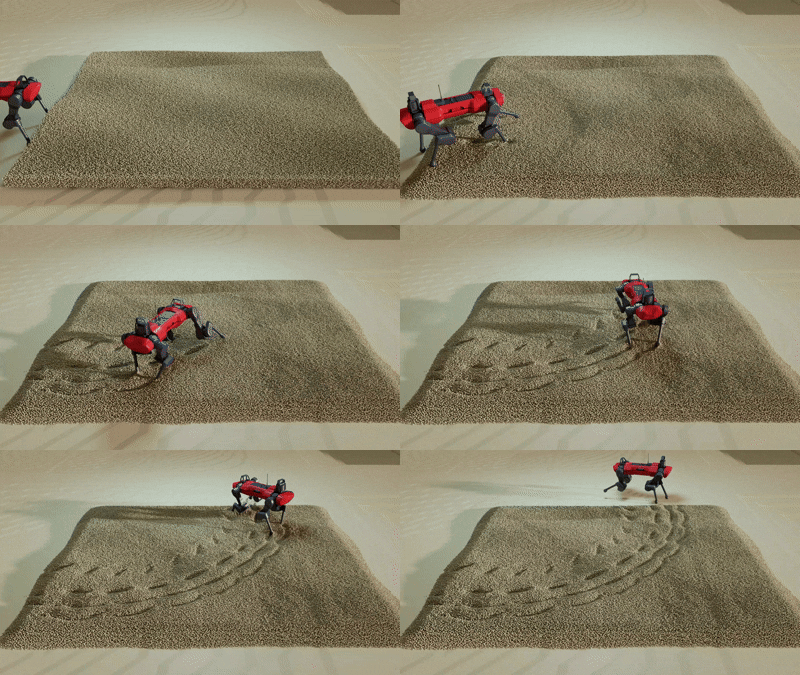
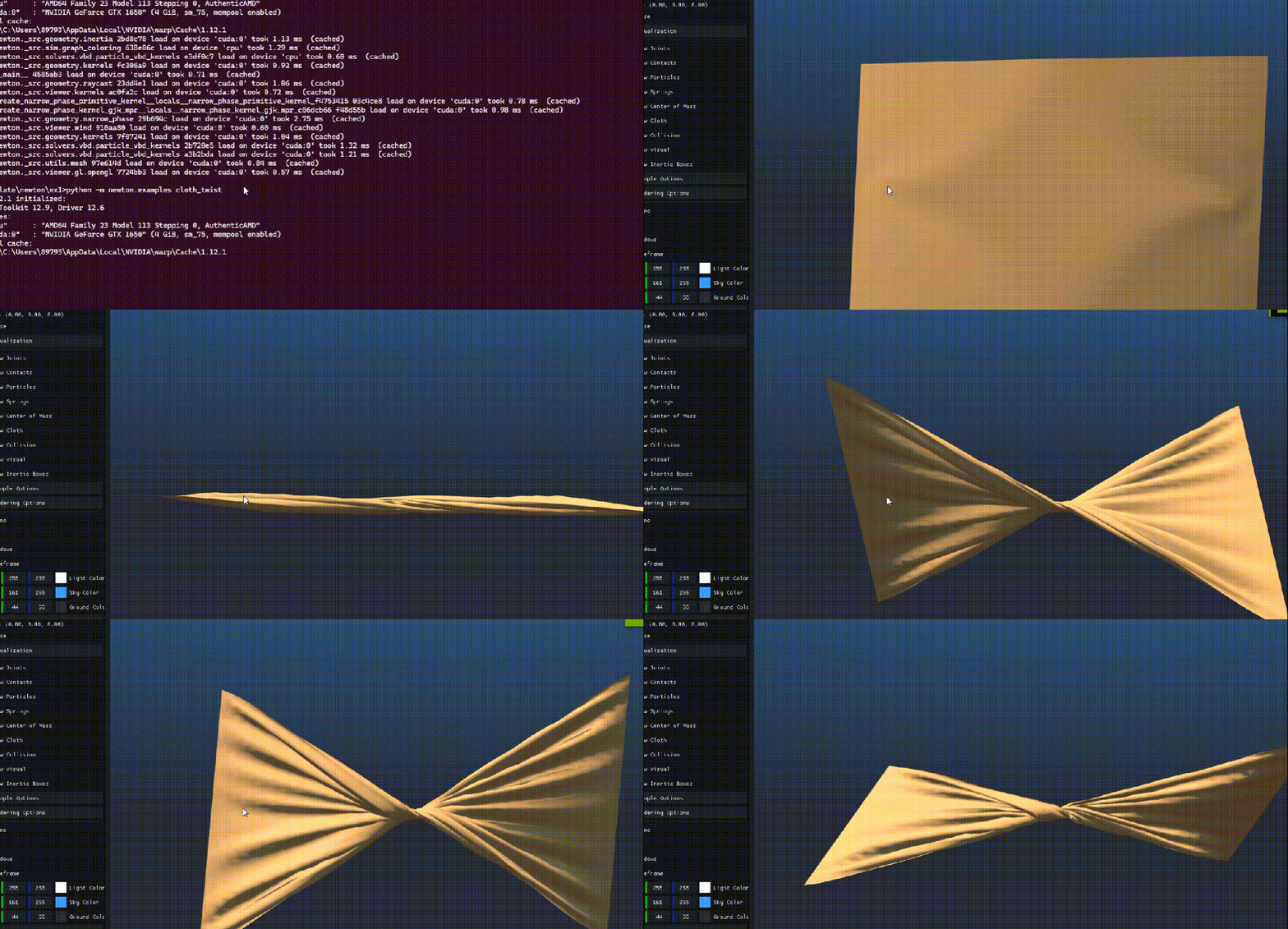
一个有意思的东西-开源物理仿真引擎newton-Physics



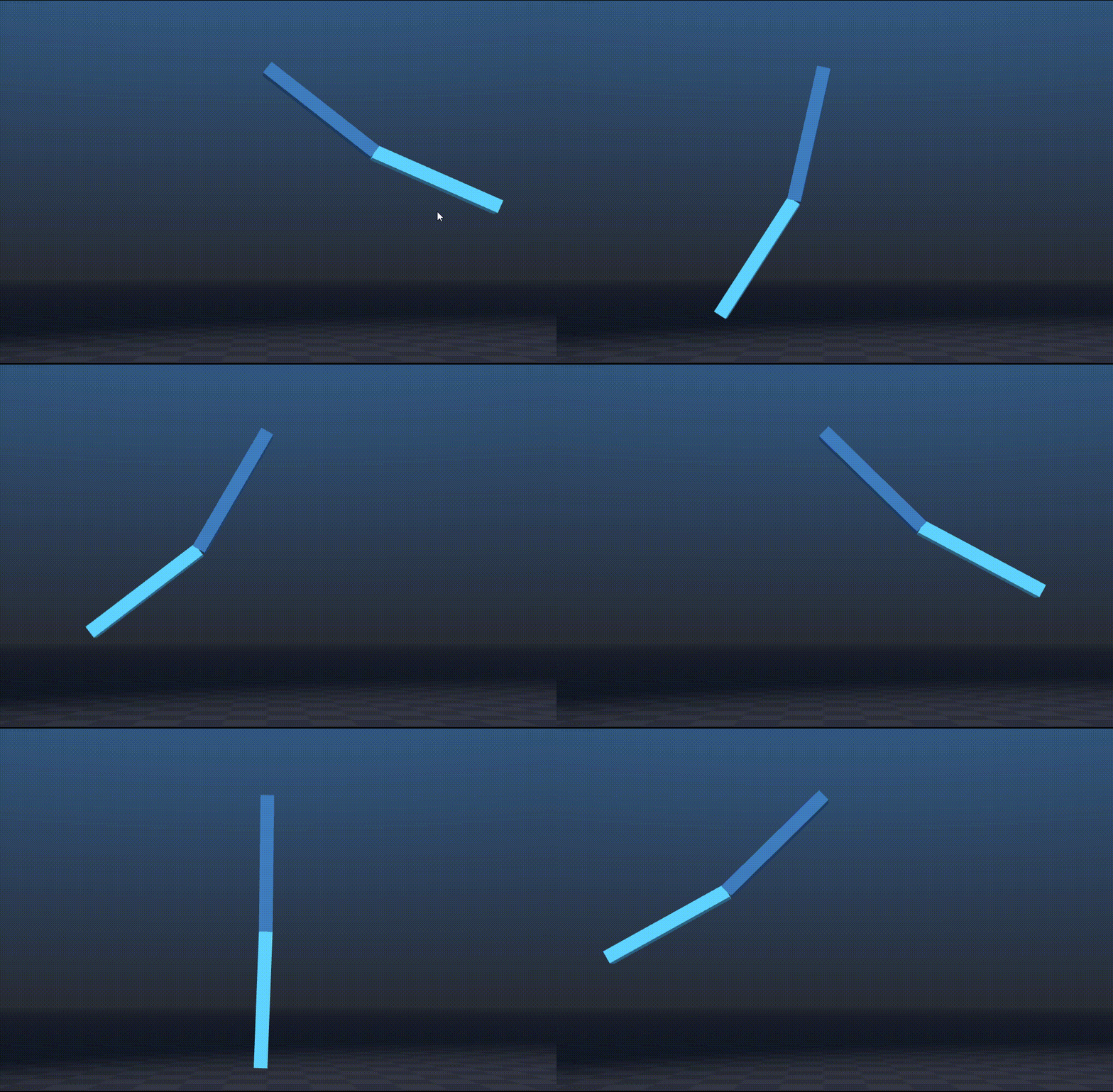
# SPDX-FileCopyrightText: Copyright (c) 2025 The Newton Developers# SPDX-License-Identifier: Apache-2.0############################################################################ Example Basic Pendulum## Shows how to set up a simulation of a simple double pendulum using the# newton.ModelBuilder() class.## Command: python -m newton.examples basic_pendulum############################################################################import warp as wpimport newtonimport newton.examplesclass Example:def __init__(self, viewer, args):# setup simulation parameters firstself.fps = 100self.frame_dt = 1.0 / self.fpsself.sim_time = 0.0self.sim_substeps = 10self.sim_dt = self.frame_dt / self.sim_substepsself.viewer = viewerself.args = argsbuilder = newton.ModelBuilder()hx = 1.0hy = 0.1hz = 0.1# create first linklink_0 = builder.add_link()builder.add_shape_box(link_0, hx=hx, hy=hy, hz=hz)link_1 = builder.add_link()builder.add_shape_box(link_1, hx=hx, hy=hy, hz=hz)# add jointsrot = wp.quat_from_axis_angle(wp.vec3(0.0, 0.0, 1.0), -wp.pi * 0.5)j0 = builder.add_joint_revolute(parent=-1,child=link_0,axis=wp.vec3(0.0, 1.0, 0.0),# rotate pendulum around the z-axis to appear sideways to the viewerparent_xform=wp.transform(p=wp.vec3(0.0, 0.0, 5.0), q=rot),child_xform=wp.transform(p=wp.vec3(-hx, 0.0, 0.0), q=wp.quat_identity()),)j1 = builder.add_joint_revolute(parent=link_0,child=link_1,axis=wp.vec3(0.0, 1.0, 0.0),parent_xform=wp.transform(p=wp.vec3(hx, 0.0, 0.0), q=wp.quat_identity()),child_xform=wp.transform(p=wp.vec3(-hx, 0.0, 0.0), q=wp.quat_identity()),)# Create articulation from jointsbuilder.add_articulation([j0, j1], label="pendulum")# add ground planebuilder.add_ground_plane()# finalize modelself.model = builder.finalize()self.solver = newton.solvers.SolverXPBD(self.model)self.state_0 = self.model.state()self.state_1 = self.model.state()self.control = self.model.control()# not required for MuJoCo, but required for other solversnewton.eval_fk(self.model, self.model.joint_q, self.model.joint_qd, self.state_0)self.contacts = self.model.contacts()self.viewer.set_model(self.model)self.capture()def capture(self):if wp.get_device().is_cuda:with wp.ScopedCapture() as capture:self.simulate()self.graph = capture.graphelse:self.graph = Nonedef simulate(self):for _ in range(self.sim_substeps):self.state_0.clear_forces()# apply forces to the modelself.viewer.apply_forces(self.state_0)self.model.collide(self.state_0, self.contacts)self.solver.step(self.state_0, self.state_1, self.control, self.contacts, self.sim_dt)# swap statesself.state_0, self.state_1 = self.state_1, self.state_0def step(self):if self.graph:wp.capture_launch(self.graph)else:self.simulate()self.sim_time += self.frame_dtdef test_final(self):# rough check that the pendulum links are in the correct areanewton.examples.test_body_state(self.model,self.state_0,"pendulum links in correct area",lambda q, qd: abs(q[0]) < 1e-5 and abs(q[1]) < 1.0 and q[2] < 5.0 and q[2] > 0.0,[0, 1],)def check_velocities(_, qd):# velocity outside the plane of the pendulum should be close to zerocheck = abs(qd[0]) < 1e-4 and abs(qd[6]) < 1e-4# velocity in the plane of the pendulum should be reasonablecheck = check and abs(qd[1]) < 10.0 and abs(qd[2]) < 5.0 and abs(qd[3]) < 10.0 and abs(qd[4]) < 10.0return checknewton.examples.test_body_state(self.model,self.state_0,"pendulum links have reasonable velocities",check_velocities,[0, 1],)def render(self):self.viewer.begin_frame(self.sim_time)self.viewer.log_state(self.state_0)self.viewer.log_contacts(self.contacts, self.state_0)self.viewer.end_frame()if __name__ == "__main__":# Parse arguments and initialize viewerviewer, args = newton.examples.init()# Create viewer and runexample = Example(viewer, args)newton.examples.run(example, args)
登录后免费查看全文
著作权归作者所有,欢迎分享,未经许可,不得转载
首次发布时间:2026-04-21
最近编辑:5月前

硕士
|
cae工程师
签名征集中


相关推荐
最新文章
热门文章
