
整活一旦开始,就会成为一个循环,永远停不下来

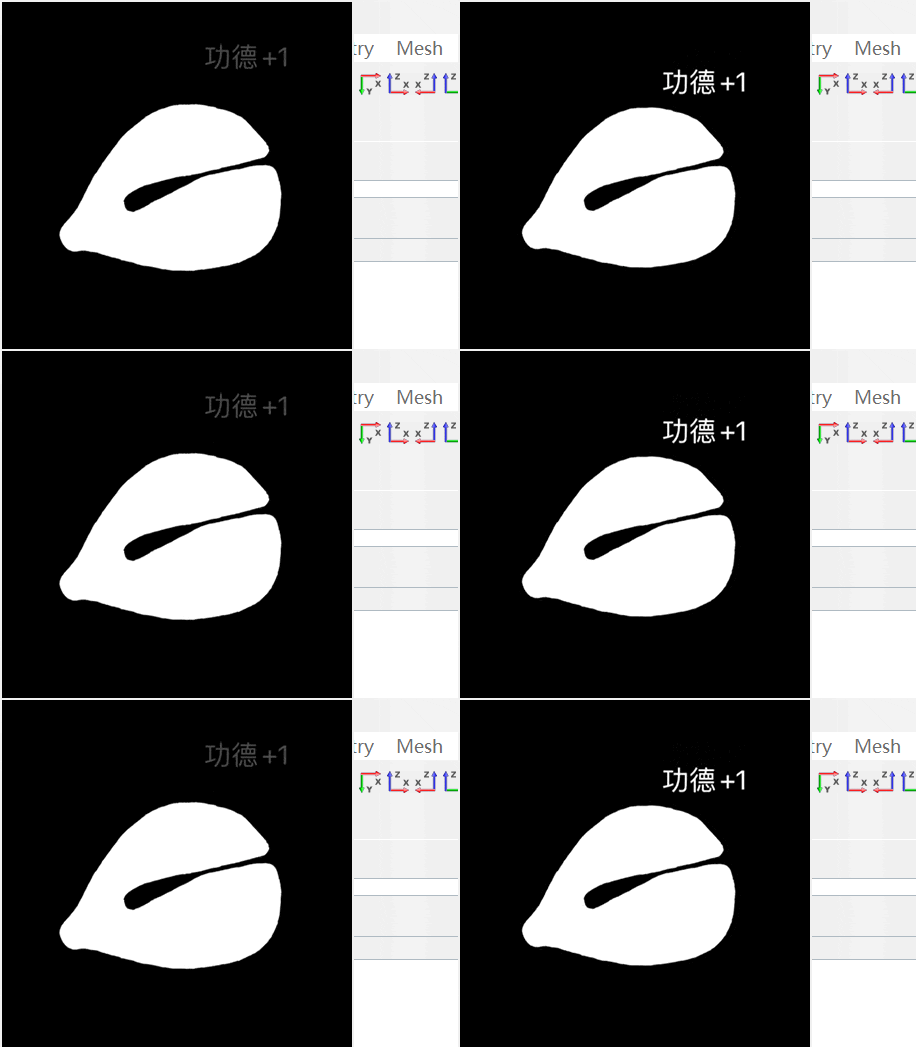
电子木鱼
after 10 :修改刷新时间
-file {C:\Users\Today\Downloads\Image1.gif} :指定文件路径
鼠标右键关闭窗口
package require Tkpackage require Imgcatch {destroy .top}set top [toplevel .top]wm title $top "GIF Player"wm overrideredirect .top 1set gif [image create photo -file {C:\Users\Today\Downloads\Image1.gif}]label $top.lbl -image $gifpack $top.lblset frames 0while {1} {if {[catch {$gif configure -format "gif -index $frames"}]} {break}incr frames}set current_frame 0proc change_frame {} {global gifglobal framesglobal current_frame$gif configure -format "gif -index $current_frame"set current_frame [expr {($current_frame + 1) % $frames}]updateafter 10 change_frame}change_framebind .top <Button-3> {destroy .top}





登录后免费查看全文
著作权归作者所有,欢迎分享,未经许可,不得转载
首次发布时间:2024-08-14
最近编辑:2年前

本科
签名征集中

还没有评论
相关推荐
最新文章
热门文章
